EmDeeTool › Guides › Export an agent's Markdown report to PDF
How to export an AI agent's Markdown report to PDF on Mac
An AI agent produced a great write-up — a migration report, a design doc, a summary
for your team — but it's a raw .md file, and the person you're sending it to doesn't
want Markdown. Here's the fastest way to turn it into a clean, shareable PDF on macOS.
The 30-second version
- Open the report in EmDeeTool — drag the
.mdonto the window, or press Space on it in Finder and open from there. - Choose
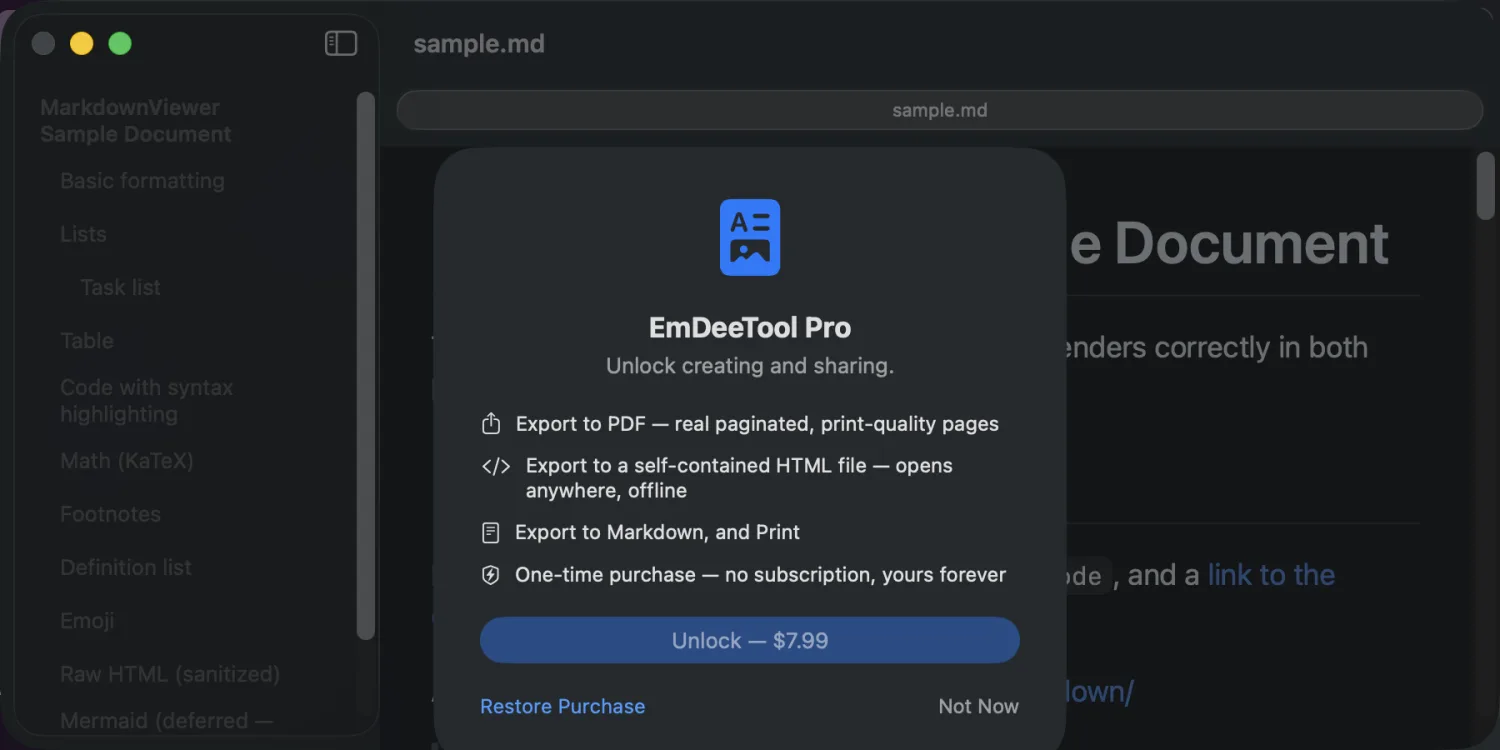
File ▸ Export as PDF…(orExport as HTML…, orPrint). - Save and send. The result is a fully rendered document — headings, tables, syntax-highlighted code and math — ready to share.
PDF or self-contained HTML — which to send?
- PDF — best for a fixed, printable deliverable: a report to a client, a doc for review, an attachment for email.
- Self-contained HTML — a single file with all styles and fonts embedded. It opens correctly in any browser on any machine, with no internet and no accompanying folder of assets. Great when you want the document to stay live and clickable but fully portable.
Everything stays on your Mac. Rendering and export happen locally — nothing is uploaded, and the exported files reference no remote resources. You can convert a confidential agent report to PDF on a plane with the Wi-Fi off.
How it fits the agent loop
A common pattern: your agent writes report.md, you read it rendered (press Space),
and when it's right you export a PDF to hand off. Because reading is free and export is a single
one-time Pro purchase ($7.99, no subscription), the tool stays out of your way
until the moment you actually need to ship something.
Ship your agent's work as a clean PDF
Free viewer · one-time Pro unlocks export & print · fully offline.
FAQ
How do I convert a Markdown file to PDF on a Mac?
Open the .md file in EmDeeTool and choose File ▸ Export as PDF. The rendered document is saved as a PDF. Export and print are unlocked by a one-time Pro purchase; reading is always free.
What is a self-contained HTML export?
A single HTML file with all styles and fonts embedded. It opens correctly in any browser on any machine with no internet connection and no external files.
Does exporting require an internet connection?
No. All rendering and export happen locally on your Mac. Nothing is uploaded, and the exported files reference no remote resources.