Read what you and your
AI agents write.
EmDeeTool is a fast, private Markdown viewer for your Mac. Open a README, a
CLAUDE.md, or the plans and reports your coding agent produces — rendered
beautifully, and entirely offline.
Built for the way you work with agents
Your agents speak Markdown. So does EmDeeTool.
Coding assistants like Claude Code and Cursor turn everything into Markdown — project instructions, plans, changelogs, research notes, task reports. EmDeeTool is the calm, private place to read all of it, without spinning up a heavyweight editor and without anything touching the network.
📄 READMEs & CLAUDE.md
Open any project's docs and instruction files exactly as they'll render on GitHub — tables, task lists, code and all.
🧭 Agent plans & reports
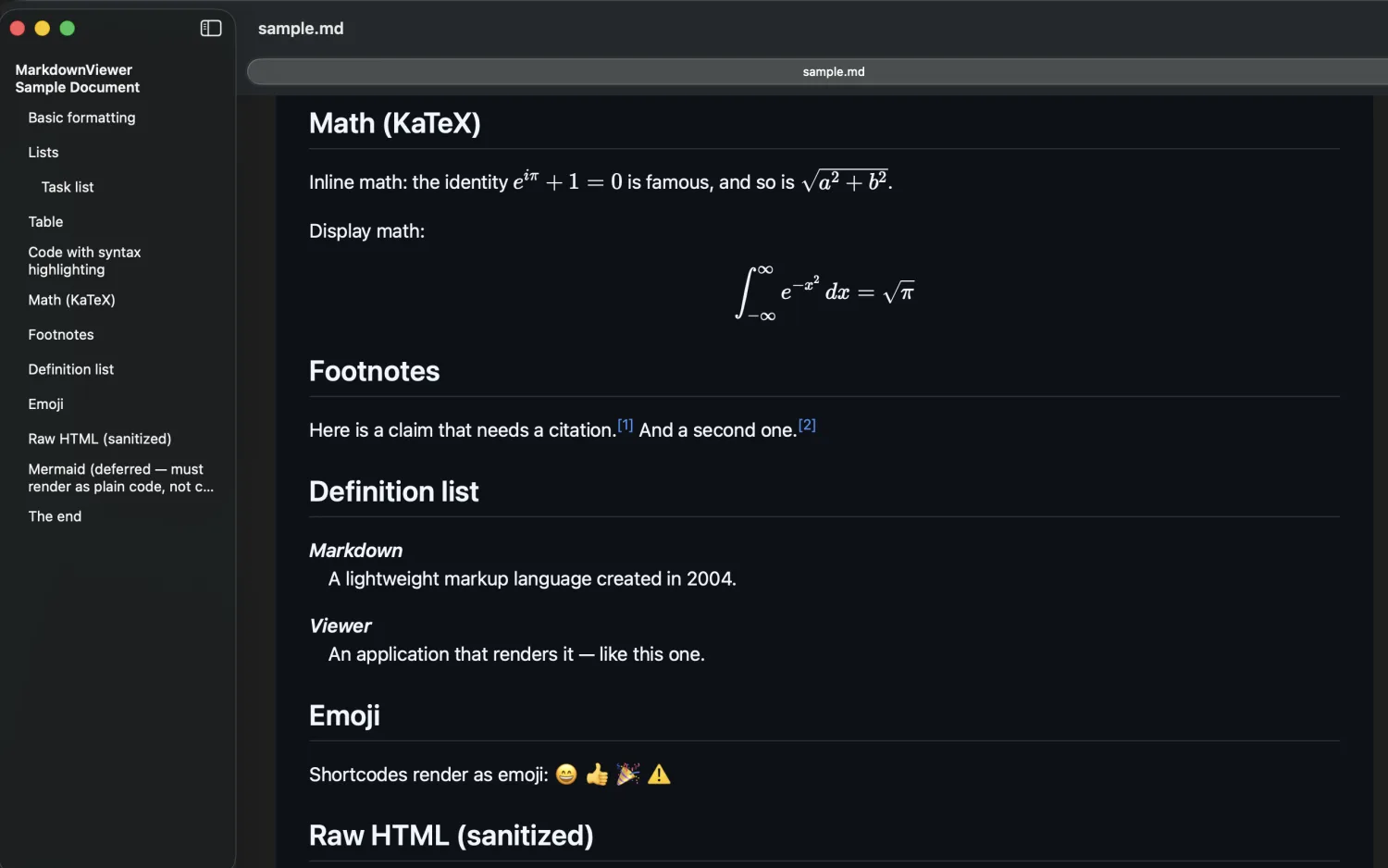
The plan.md or summary your agent just wrote, formatted and readable — headings, diagrams-as-code, and math intact.
⚡ Quick Look in Finder
Press Space on a .md file to preview it fully rendered — no app launch, no context switch.
🔒 Provably offline
No network code path. Your prompts, notes and proprietary docs never leave your Mac. A privacy guarantee you can trust.
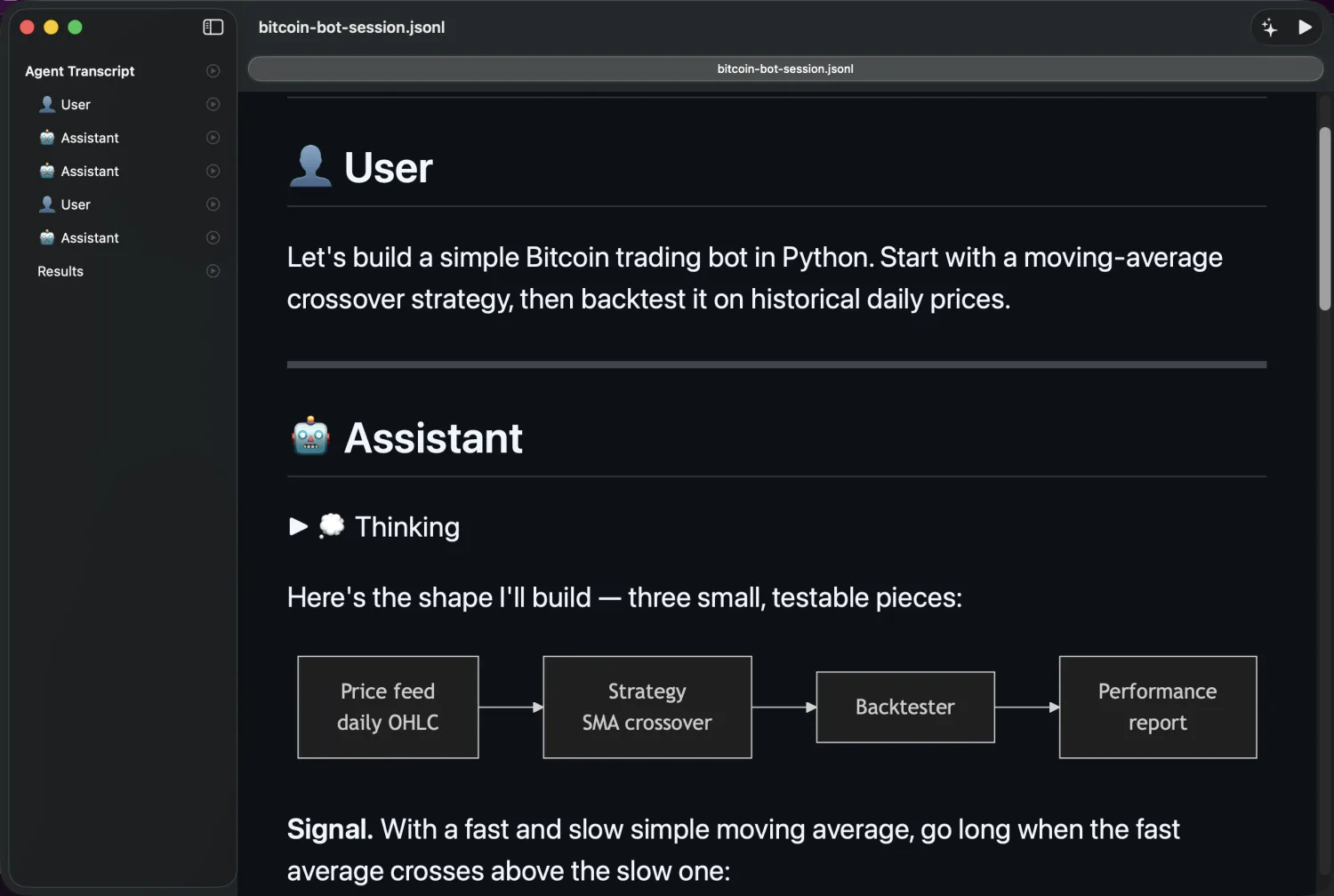
.jsonl and read it as a conversation — folded reasoning, tool calls, diagrams and math, all rendered.The viewer — free forever
Everything Markdown, rendered right.
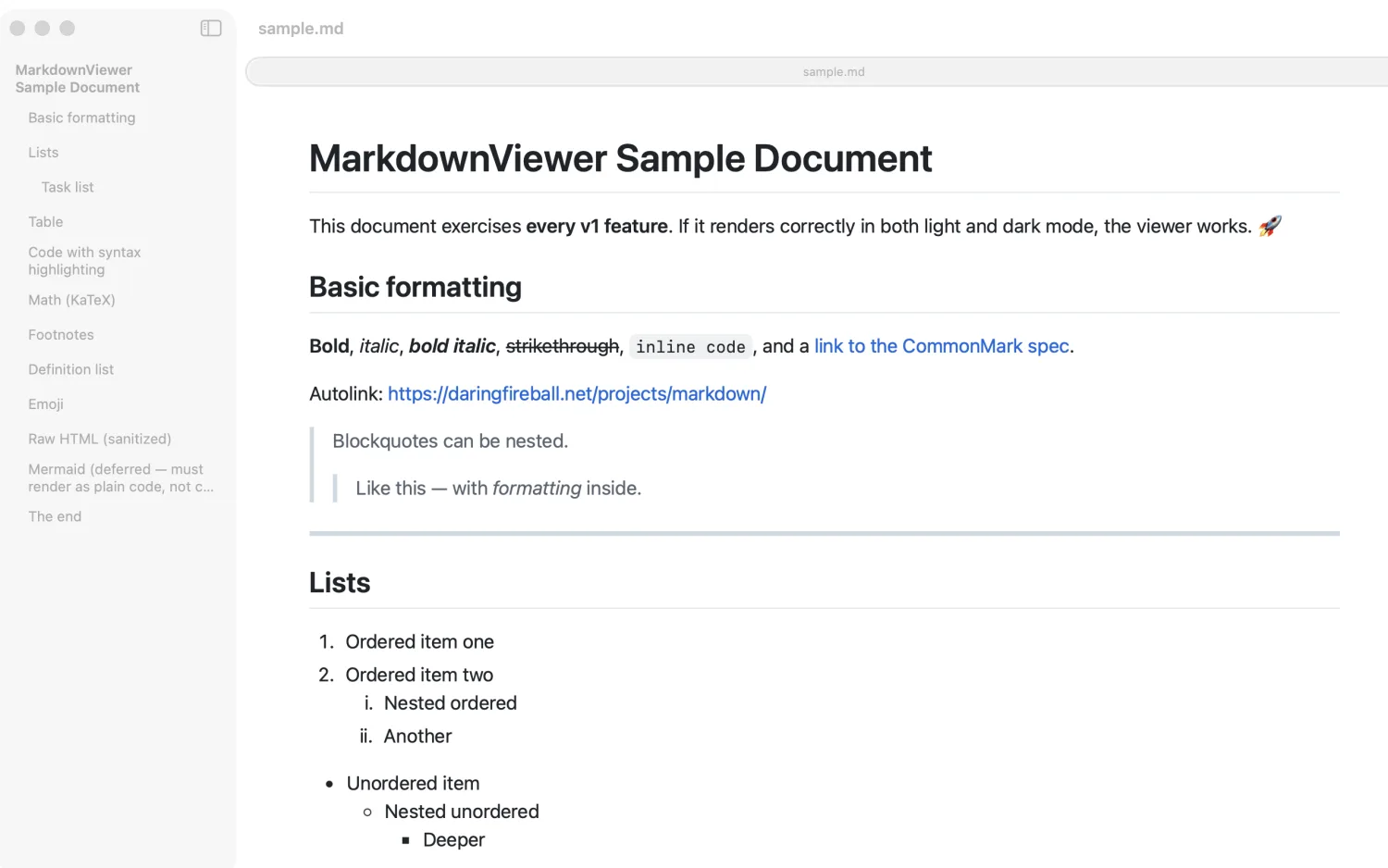
- GitHub Flavored Markdown — tables, task lists, strikethrough, autolinks, footnotes, emoji.
- Math with KaTeX — inline
$…$and display$$…$$, for research and technical notes. - Syntax-highlighted code for every fenced block.
- Light & dark that follow your system automatically.
- Live reload — edits on disk appear instantly.
- Table of contents, Find, and zoom for long documents.
Pro — unlock once, yours forever $7.99 · no subscription
Turn an agent's report into something you can send.
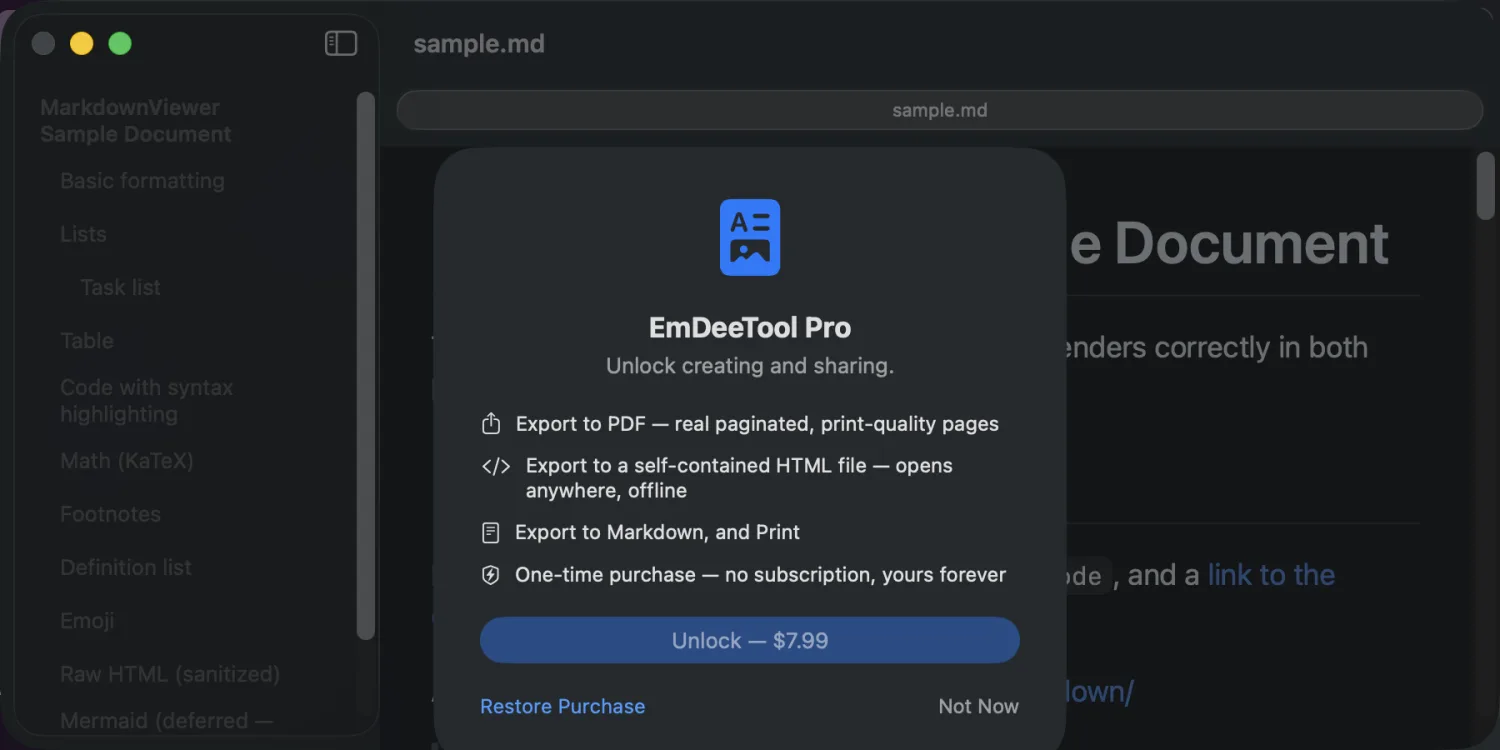
Reading is always free. When you need to share the output, a single one-time purchase unlocks all of it:
- Export to PDF — hand a clean report to a teammate or client.
- Export to a self-contained HTML file — all styles and fonts embedded, opens anywhere, no internet.
- Print — straight from the rendered view.
Guides
Get more out of your agent workflow
Read your Claude Code Markdown files offline
CLAUDE.md, memory files and agent output — private, on your Mac.
Preview AI-agent plans and reports on Mac
Read the plan.md your agent just wrote, beautifully formatted.
Export an agent's Markdown report to PDF
Share a clean, self-contained document — no editor required.
FAQ
Questions
Is EmDeeTool free?
Yes. The full Markdown viewer is free forever. A single one-time Pro purchase ($7.99, no subscription) unlocks exporting to PDF and self-contained HTML, exporting Markdown, and printing.
Does EmDeeTool work offline?
Entirely. EmDeeTool makes no network requests, has no account, and collects no data. Every document renders locally on your Mac, so nothing you open ever leaves your device.
Can it read Claude Code and AI-agent Markdown files?
Yes. It opens any Markdown file — including CLAUDE.md, agent-written plans and reports, memory files and READMEs. Press the Space bar on a .md file in Finder for an instant Quick Look preview, no app launch needed.
What does it render?
CommonMark and GitHub Flavored Markdown (tables, task lists, strikethrough, autolinks), footnotes, emoji shortcodes, syntax-highlighted code blocks, and math with KaTeX — in light or dark mode following your system.
Which Macs are supported?
Apple Silicon Macs running macOS 15.0 or later, via the Mac App Store.
Support
Get help
Questions, bug reports, or feature ideas — I read every message.
- How do I open a file?
- Launch EmDeeTool and click Open File…, drag a Markdown file onto the window, or use File ▸ Open (⌘O). You can also right-click a
.mdfile in Finder and choose Open With ▸ EmDeeTool, or press the Space bar on it for a Quick Look preview. - I bought Pro on another Mac. How do I get it here?
- Open EmDeeTool ▸ Settings (⌘,) or the purchase sheet and choose Restore Purchases. Your unlock is tied to your Apple Account.
Privacy
Privacy policy
EmDeeTool does not collect, store, transmit, or share any personal data. The app works entirely offline: it makes no network requests, contains no analytics or tracking, and requires no account. Documents you open never leave your device.
Purchases are processed by Apple through the App Store; EmDeeTool never sees your payment information. Apple’s handling of purchases is governed by Apple’s Privacy Policy.
Contact: support@iroth.net · Last updated: 21 July 2026